

Riso ComColor GD9630 error code S99-0142-99 is a system software error involving the ink circulation unit control. This error occurs when the engine controller detects an abnormal status transition or invalid logic in the ink circulation system.
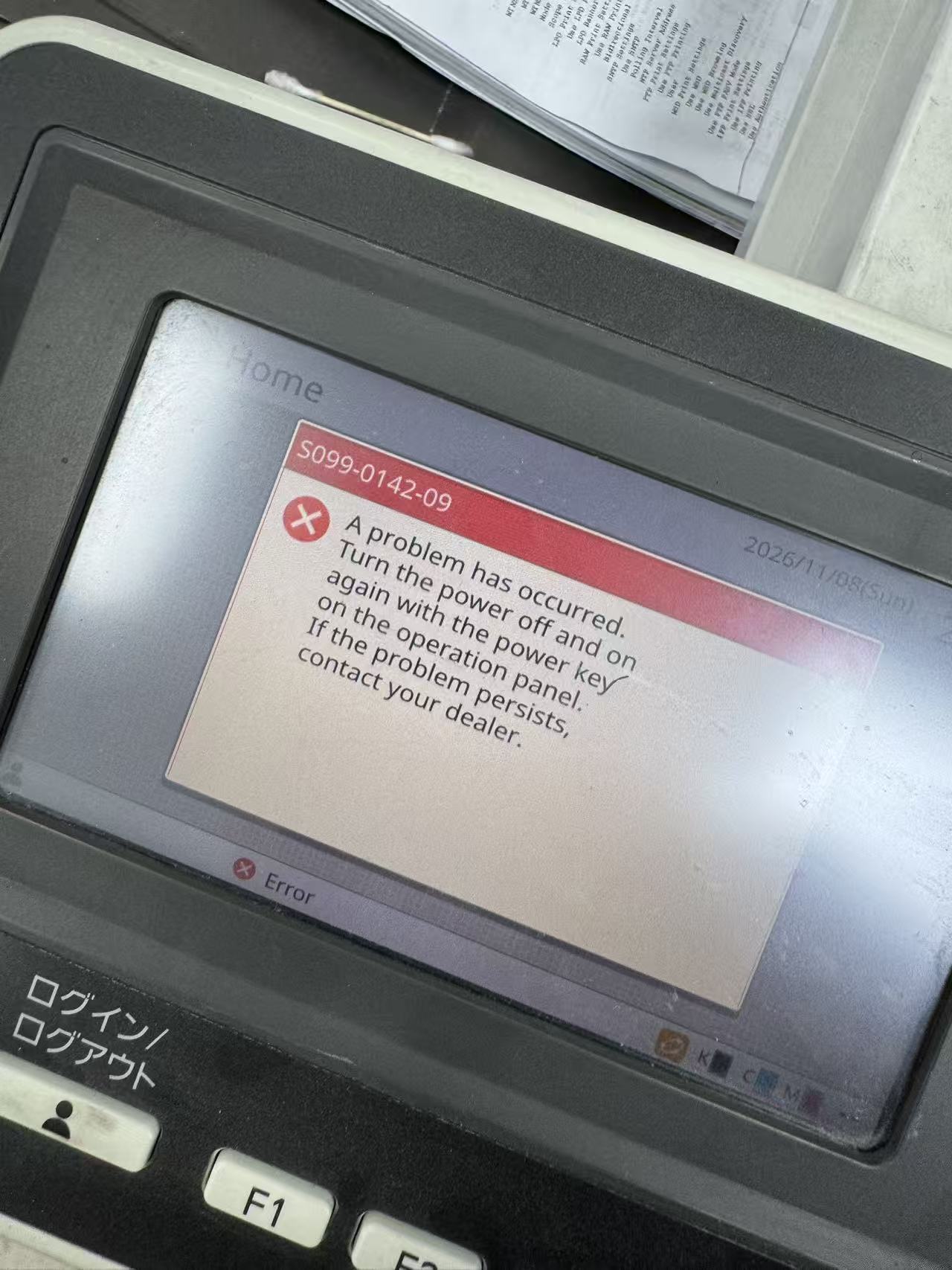
Code Breakdown
• S99. Indicates a general system or engine control software error.
• 0142. Points specifically to a control logic fault or software bug within the ink circulation unit.
• -99. Represents the sub-CPU variation code triggered when the abnormal status occurs.

Troubleshooting Steps
• Perform a soft reboot. Press the [RESET] key on the operation panel first. If the machine does not recover, press the [Power] (sub power) key on the operation panel to
turn the printer off, wait 30 seconds, and turn it back on.
• Perform a full power cycle. If the soft reboot fails, turn off the machine using the [Power] key on the panel, then flip the main power switch off. Unplug the power
cord from the wall outlet for at least one minute before reconnecting and powering the machine back on.
• Contact RISO service. Because S99 errors stem from engine firmware or ink circulation hardware communication issues, persistent occurrences require an
authorized technician to inspect the ink circulation pump, valves, or engine control PCB
Products
Technical Support
Download
Contact Us
Xiamen Kreyoly Office Supplies Co.,Ltd
Add: Unit 1707, No.64,Pingshan South Road,HaiCang Dist., 361028 Xiamen,China
Tel:+86-592 6896238
Fax:+86-592 6896236
Mob/WhatsApp/Viber: +86 13860165915
E-mail: info@kreyoly.com
https://www.kreyoly.com


Copyright © 2026XIAMEN KREYOLY OFFICE SUPPLIES CO.,LTD All Rights Reserved. 闽ICP备2023005318号